Top 10 IQOS Troubleshooting Tips: Fix Charging Issues, Red Lights, and More

If your IQOS suddenly stops working or shows a red light, do not worry. Most of the time, the issue is simple and easy to fix at home. Many users in Dubai and across the UAE face small problems like charging errors, red light alerts, or power issues. This detailed guide explains how to troubleshoot your IQOS device in a few easy steps so you can get back to enjoying a smooth and clean tobacco experience.
How do I fix my IQOS if it’s not charging?
- Check the Charger and Cable: First, check your IQOS charger and cable. Damaged cables or chargers can prevent the device from charging. Use the original IQOS charger and cable for the best results.
- Clean the Charging Contacts: Dust and debris can accumulate on the charging contacts of your IQOS holder and charger. Use a soft, dry cloth to clean these areas. A clean connection between the device and charger can fix charging issues.
- Check the Power Source: Plug the charger into a different power outlet. Sometimes the issue is not with the IQOS but with the outlet itself.
- Battery is Fully Drained: If your IQOS battery is fully drained, it may take a few minutes to show any signs of charging. Leave it connected to the charger for a while before checking again.
What should I do if my IQOS device shows a red light?
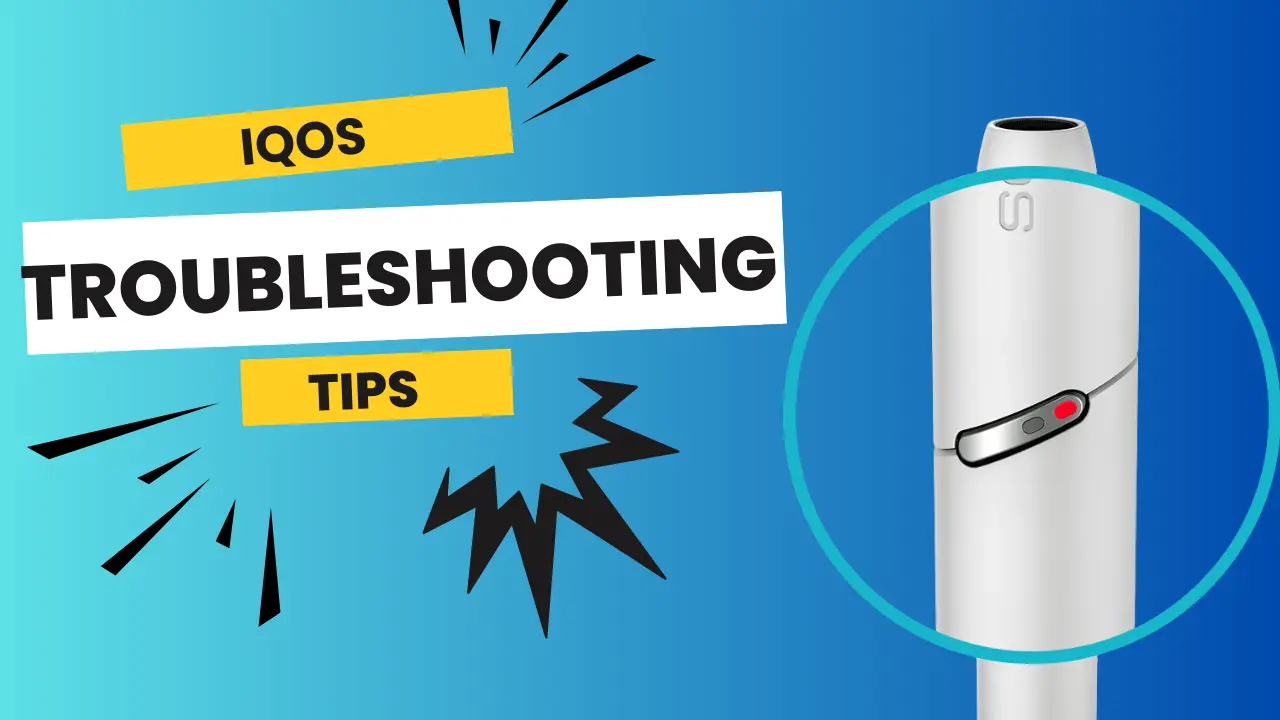
A red light on your IQOS device means an error. Here’s how to troubleshoot:
- Reset the Device: For IQOS 3, press and hold the button on the device for 10 seconds. This will reset the device. This often clears temporary errors that cause the red light to appear.
- Check the Temperature: IQOS devices can overheat or become too cold to function. If your device has been exposed to extreme temperatures, let it rest in a room-temperature environment for a few minutes.
- Clean the Device: Sometimes, residue buildup can trigger a red light. Use the IQOS cleaning sticks to clean the inside of the device. A clean device functions better and may prevent error indications like red lights.
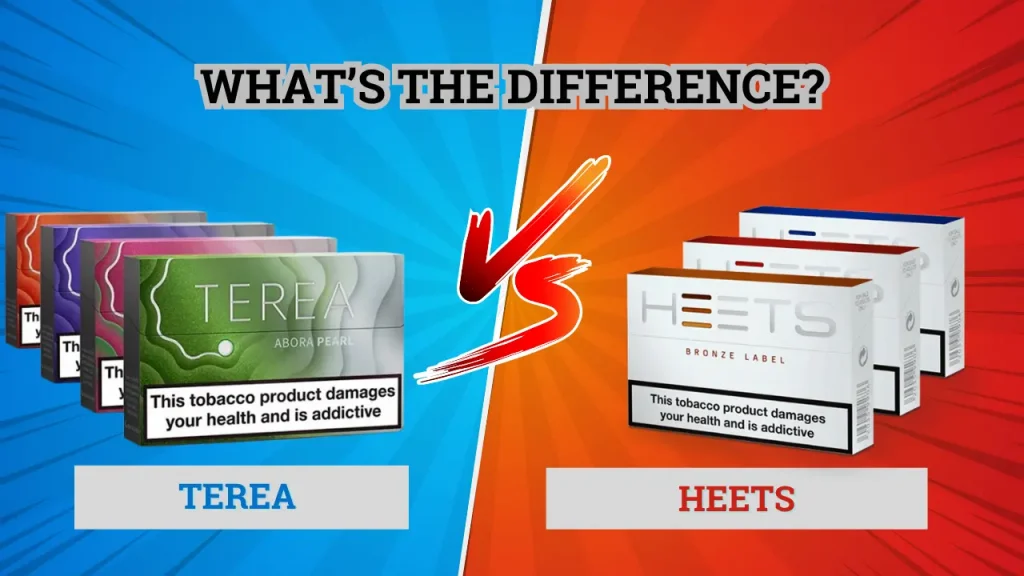
- Proper Insertion: Ensure your HEETS tobacco stick or Terea stick is properly inserted in the holder. An incorrect insertion can also trigger a red light.
How can I reset my IQOS 3 stick?
Resetting your IQOS 3 device can fix many small issues:
- Step 1: Press and hold the power button on the IQOS device for 10 seconds.
- Step 2: Release the button when the lights blink. This means the device has reset.
The process may vary for IQOS ILUMA devices, so check the user manual for instructions on how to reset other IQOS models. Resetting regularly can maintain your device’s performance.
Why is my IQOS charged but not working?
If your IQOS is fully charged and not working, try:
- Device Compatibility: Some HEETS or Terea sticks (Terea Kazakhstan, Terea Indonesia) might not be compatible with your IQOS device. Check you have the right sticks for your model.
- Residue Build-Up: Over time, residue from sticks can build up and block the heating element. Clean with an IQOS cleaning stick regularly.
- Hardware Issues: If none of the above work, your device has a hardware problem. Contact IQOS customer service or visit Terea Sticks Dubai.
What should I check if my IQOS is not turning on?
If your IQOS device doesn’t turn on, try:
- Battery Status: Make sure your device has been charged for long enough. A dead battery won’t turn on.
- Power Button: Sometimes pressing and holding the power button for 10 seconds will turn on the device.
- Reset the Device: Resetting the device as above will fix power-related issues.
- Physical Damage: Physical damage can affect the power function. Check for cracks or other damage.
Why is my IQOS Iluma One not working properly?
The Iluma One is a new technology device, but it can still have issues. If your Iluma One is misbehaving:
- Check Compatibility: Iluma One only works with Terea sticks ( Black Purple Menthol ), which use SMARTCORE induction. Using other sticks will cause functionality issues.
- Check SMARTCORE for Residue: Residue can affect the heating element in IQOS Iluma One. Clean the heating area gently to work smoothly.
- Reset and Restart: Press and hold the power button for 10 seconds to reset the device. This will often fix minor issues.
Troubleshooting Table for Quick Reference
For any IQOS issues in general:
| Problem | Possible Cause | Solution |
|---|---|---|
| Device not charging | Faulty cable or dirty contacts | Use original charger and clean charging area |
| Red light blinking | Overheating or software glitch | Let it cool or reset the device |
| No vapor | Dirty heating blade or weak stick | Clean the blade and use a new Terea stick |
| Not turning on | Dead battery | Charge for 20 minutes then restart |
| Short session | Incomplete heating | Use the original charger and clean charging area |
What are the common reasons for IQOS charging issues?
Charging issues are the most common problem for IQOS users. Here are the reasons:
- Faulty Charging Cable: A broken or wrong charging cable won’t charge the device.
- Battery Life: Over time, the battery of IQOS may drain and affect charging.
- Software Issues: Sometimes, software glitches can prevent the device from charging. Try to reset the device and see if it works.
- Dirty Contacts: Clean the charging contacts on the IQOS holder and charger regularly to make sure they’re connected properly.
Where can I buy an IQOS device in Dubai?
If you are in Dubai and want to buy IQOS, Terea Sticks Dubai is your one-stop shop. Our store has a wide range of IQOS devices, including the latest models and compatible HEETS and Terea sticks. We provide excellent customer service to help you find the right product. Visit Terea Sticks Dubai to see our range and get your IQOS with professional advice and original products.
Why does my IQOS device stop working suddenly?
IQOS can stop working suddenly due to:
- Battery Issues: A low or dead battery can cause a sudden shutdown. Charge the device fully before use.
- Device Overheating: Prolonged use or direct sunlight can cause overheating. If the device feels too hot, let it cool down before using it again.
- Software Bugs: Like any electronic device, IQOS can have software glitches. Try to reset the device and see if it works.
- Damaged Heating Blade: The heating blade inside IQOS can be damaged if handled roughly. Avoid pressing too hard on the heating area when inserting sticks.
Maintenance Tips for Long-Lasting Performance
Keeping your IQOS clean and well-maintained prevents most issues. Follow these simple habits:
- Clean your device after every pack using the official IQOS cleaning sticks.
- Store it in a case to protect it from dust and scratches.
- Avoid exposing it to direct sunlight or moisture.
- Always use original chargers and cables.
- Update the firmware regularly using the IQOS app or website.
Good maintenance ensures better vapor quality and a longer lifespan for your device.
Conclusion
Most IQOS issues can be fixed at home in just a few minutes. Regular cleaning, proper charging, and using original accessories are key to a smooth experience. If your device still does not work after troubleshooting, it may need a professional check.
For replacements, genuine products, or expert help, explore Terea Sticks Dubai, your trusted source for IQOS and Terea products across the UAE. Keep your device clean, updated, and ready for use every time.
Frequently Asked Questions
1. Why does my IQOS show a red light?
It means there is a temporary issue, like overheating or residue buildup. Reset or clean your device to fix it.
2. How long does IQOS take to charge?
Usually about ninety minutes for a full charge.
3. Can I use HEETS with IQOS ILUMA devices?
No, ILUMA devices only work with Terea sticks.
4. My IQOS stopped working, what should I do?
Reset it first, clean the holder, and check if the charger is working.
5. Where can I buy IQOS accessories in Dubai?
Visit Terea Sticks Dubai for original chargers, cleaning tools, and devices.
{ “@context”: “https://schema.org”, “@type”: “FAQPage”, “mainEntity”: [ { “@type”: “Question”, “name”: “Why does my IQOS show a red light?”, “acceptedAnswer”: { “@type”: “Answer”, “text”: “It means there is a temporary issue like overheating or residue buildup. Reset or clean your device to fix it.” } }, { “@type”: “Question”, “name”: “How long does IQOS take to charge?”, “acceptedAnswer”: { “@type”: “Answer”, “text”: “Usually about ninety minutes for a full charge.” } }, { “@type”: “Question”, “name”: “Can I use HEETS with IQOS ILUMA devices?”, “acceptedAnswer”: { “@type”: “Answer”, “text”: “No. ILUMA devices only work with Terea sticks.” } }, { “@type”: “Question”, “name”: “My IQOS stopped working, what should I do?”, “acceptedAnswer”: { “@type”: “Answer”, “text”: “Reset it first, clean the holder, and check if the charger is working properly.” } }, { “@type”: “Question”, “name”: “Where can I buy IQOS accessories in Dubai?”, “acceptedAnswer”: { “@type”: “Answer”, “text”: “Visit Terea Sticks Dubai for original chargers, cleaning tools, and devices.” } } ] }