
IQOS ILUMA Not Charging? Common Causes and Easy Fixes

Introduction
Few things break your routine faster than reaching for your device and finding it will not charge. IQOS ILUMA is one of the most reliable heated tobacco devices on the market, but charging failures do happen, and they are almost never a sign that the device is dead for good.
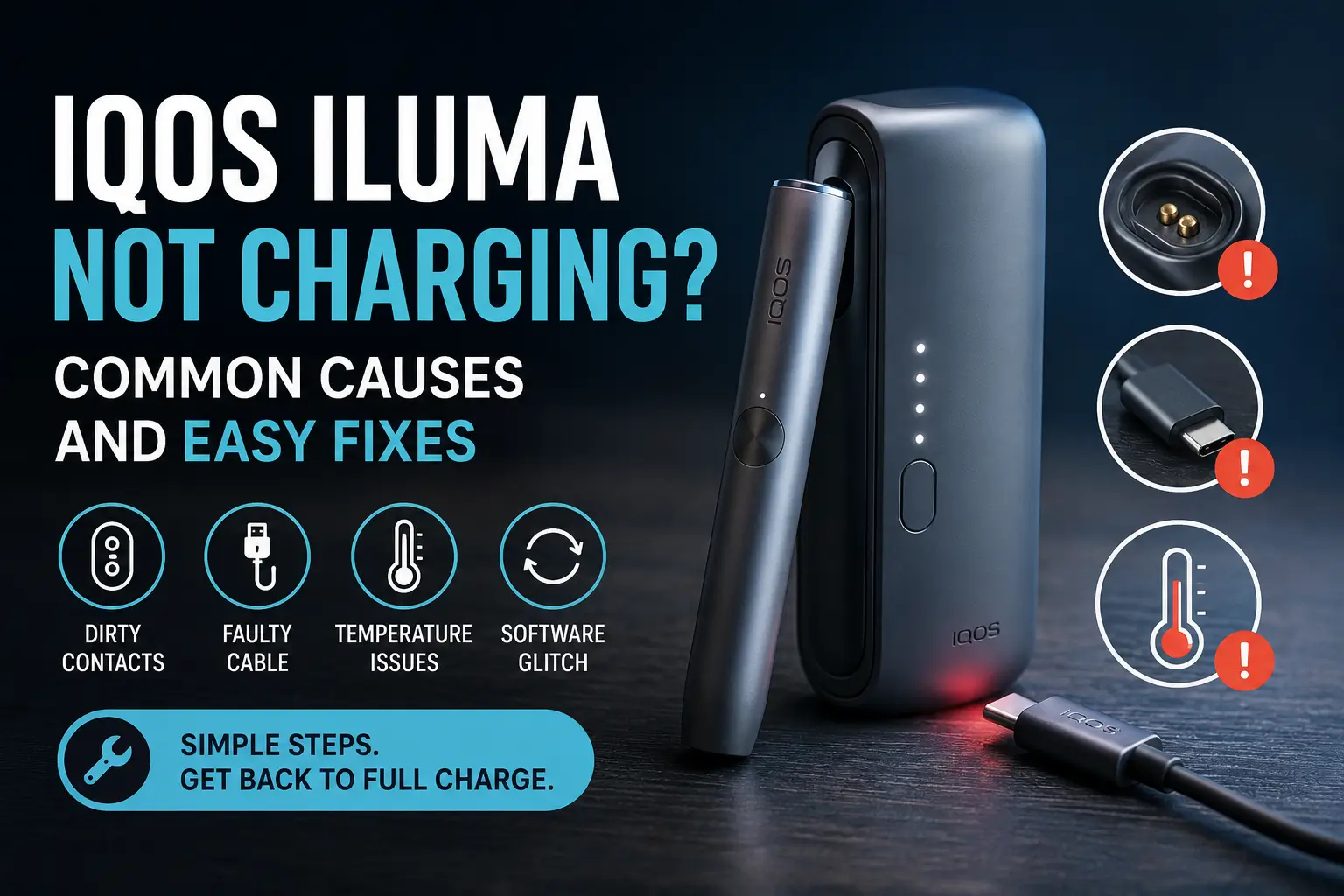
Whether you are running the standard holder and pocket charger setup, the compact all-in-one IQOS ILUMA ONE, or one of the newer i series models, the vast majority of charging problems trace back to a small, fixable set of causes: dirty contacts, a worn cable, temperature, or a minor software glitch. This guide walks through exactly why your IQOS ILUMA not charging, the step-by-step fixes to try in order, rarely what the charging lights are telling you, and how to know when it is time to replace a part instead of keep troubleshooting.
Quick answer: IQOS ILUMA usually stops charging because of dirty charging contacts, a faulty or non-original USB-C cable, extreme heat or cold, or a temporary software glitch. Clean the contacts on the holder and pocket charger with a dry cotton swab, try a different official cable, and let the device return to room temperature before charging again. If none of this works, a reset usually clears the problem within a few minutes.
Why Is My IQOS ILUMA Not Charging? (Common Causes)
Before trying random fixes, it helps to understand what actually causes an IQOS ILUMA to stop charging. Most cases fall into one of six categories below.
Dirty or Oxidized Charging Contacts
The holder connects to the pocket charger through small metal contact points. Dust, pocket lint, or a thin layer of oxidation on these contacts is one of the most common reasons charging fails, especially in dusty environments.
Faulty or Non-Original USB-C Cable or Adapter
USB-C cables wear out with daily use, and third-party adapters do not always deliver consistent power. Using anything other than the original cable and adapter can cause slow charging or no charging at all.
Extreme Heat or Cold
IQOS ILUMA is designed to pause charging when the device is outside its safe temperature range. High ambient heat, especially during summer months in the UAE, or charging a device that has just come out of an air-conditioned car, can trigger this protective pause.
Software or Firmware Glitch
Occasionally the internal software freezes and stops recognizing that the device is connected to power. This looks identical to a hardware fault but is usually solved with a simple reset.
Battery Degradation
Like any rechargeable device, the battery inside the holder and pocket charger loses capacity over time. A device that is a few years old and has seen daily use, such as an IQOS ILUMA Prime Obsidian Black that has been in service since launch, may charge slower or hold less charge than it used to.
Holder Not Seated Properly in the Pocket Charger
If the holder is not fully clicked into place inside the pocket charger, the contact points will not align and charging will not begin, even though everything looks correctly plugged in.
How to Fix IQOS ILUMA Not Charging (Step-by-Step)
Fix 1: Clean the Charging Contacts
Remove the holder from the pocket charger. Using a dry cotton swab, gently wipe the metal contact points on the bottom of the holder and inside the pocket charger where the holder sits. Do not use any liquid or sharp object.
For a fuller walkthrough of keeping the whole device in good shape, see our IQOS ILUMA cleaning and care guide.
Fix 2: Try a Different Cable and Power Source
Swap in another original USB-C cable if you have one, and try a different wall adapter or a laptop USB port. This helps rule out a faulty cable versus a faulty device.
Fix 3: Let the Device Reach Room Temperature
If the device feels warm or cold to the touch, leave it in a room-temperature, air-conditioned space for fifteen to twenty minutes before trying to charge it again. Never charge the device in direct sunlight or inside a parked car.
Fix 4: Reset the Pocket Charger and Holder
Place the holder inside the pocket charger. Press and hold the pocket charger button for ten seconds until all the lights dim out completely. The reset is confirmed when all the lights briefly blink white. Release the button and try charging again.
Fix 5: Check Holder Alignment in the Pocket Charger
Remove and reinsert the holder, making sure you feel it click fully into position. A holder that is even slightly misaligned will not make contact with the charging pins.
Fix 6: Contact Support or Consider Replacement
If the device still will not charge after trying every step above, the issue is likely hardware related. At this point it is best to reach out to official support or consider a replacement part, since further attempts at self-repair can void the warranty.
Our top IQOS troubleshooting tips guide is worth a look if you are running into other issues alongside the charging problem.
Understanding IQOS ILUMA Charging Light Indicators;
The lights on your holder and pocket charger tell you exactly what is happening. Here is what each pattern means.
| Light Pattern | Meaning | What To Do |
|---|---|---|
| Three blinking white lights | Device is outside the safe temperature range | Let it return to room temperature, then try again |
| Eight blinking white lights | Holder is limited to one more use before it needs charging | Charge fully before your next use |
| Red or no light at all | Charging fault, dead battery, or connection issue | Reset the device, then try a different cable |
| Steady white light while connected | Device is charging normally | No action needed, let it finish |
The red light specifically has a few different possible causes beyond charging faults. For a closer look at what it can mean, see our guide on why does IQOS light red.
IQOS ILUMA Charging Differences by Device Model
Not every IQOS ILUMA model charges in exactly the same way, so it helps to know which device you have before troubleshooting.
IQOS ILUMA and ILUMA ONE
The standard ILUMA uses a separate holder and pocket charger. ILUMA ONE combines the holder and charger into a single unit, so there is no separate pocket charger to check, only the one built-in battery and its USB-C port.
IQOS ILUMA Prime
ILUMA Prime uses the same two-part holder and pocket charger system as the standard ILUMA, with a larger internal battery designed for heavier daily use. The same contact-cleaning and reset steps apply.
IQOS ILUMA i, i ONE, and i Prime
The i series, including the IQOS ILUMA i Standard, IQOS ILUMA i ONE, and IQOS ILUMA i Prime, follows the same charging logic and light indicators as the original ILUMA lineup, with updated internal components. If your device is one of the i models, the reset and contact-cleaning steps above still apply in the same way.
Pocket Charger vs Holder: Which One Isn’t Charging?
To isolate the problem, check if the pocket charger itself lights up when plugged into power on its own. If the pocket charger lights up fine but the holder still will not charge once inserted, the issue is most likely with the holder’s contacts rather than the charger.
How Long Should IQOS ILUMA Take to Charge?
Full Charge Time
A fully depleted pocket charger typically takes around two hours to charge completely using the original power adapter and cable.
First Charge After Full Depletion
If the pocket charger has been completely drained, it is normal to wait up to twenty minutes before you see any charging light pattern appear at all. This is not a fault; it is expected behavior.
What Counts as Charging Too Slowly
If your device is taking noticeably longer than this, or the charging light never progresses at all after twenty minutes, that points to one of the causes covered earlier rather than normal charging behavior.
Preventing Future Charging Problems
Clean Contacts Regularly
Make wiping the charging contacts part of your weekly device care routine, not just something you do when a problem shows up.
Use Only Original Accessories
Third-party cables and adapters are the single most avoidable cause of charging issues. Stick to original or officially certified accessories.
Mind the UAE Climate
Avoid leaving your device in direct sunlight, a parked car, or anywhere temperatures climb well above normal room conditions. Let it cool down before plugging it in if it has just been used heavily.
Know When to Replace vs Repair
Occasional charging hiccups are normal and fixable. A device that consistently fails to hold charge even after cleaning, resetting, and swapping cables is showing signs of battery wear rather than a one-off glitch.
When to Buy a Replacement Charger or Device
Signs Your Charger Needs Replacing
If the pocket charger itself will not power on regardless of which holder is inserted, or the light pattern behaves erratically across multiple cables and outlets, the pocket charger is likely the faulty part.
Signs It’s the Holder, Not the Charger
If the pocket charger works fine with a different holder but your original holder still will not charge, the holder itself is the more likely culprit.
If cleaning, resetting, and swapping cables have not solved the problem and your device is old enough to be showing real battery wear, it may be time to consider a fresh device rather than continued troubleshooting. Current options like the IQOS ILUMA i Prime Midnight Black are worth a look if a replacement makes more sense than a repair.
Frequently Asked Questions
Why is my IQOS ILUMA not charging?
The most common causes are dirty charging contacts, a faulty cable, or extreme temperature. Cleaning the contacts and trying a different cable resolves most cases.
How do I reset my IQOS ILUMA?
Place the holder in the pocket charger and hold the pocket charger button for ten seconds until the lights dim, then release. All lights will briefly blink white to confirm the reset.
How long does IQOS ILUMA take to charge?
A fully depleted pocket charger takes around two hours to charge fully with the original adapter and cable.
How do I know if my IQOS ILUMA is charging?
A steady white light on the holder or pocket charger while connected to power indicates normal charging.
Why is my IQOS ILUMA blinking red?
A red light usually signals a charging fault or connection issue. Try resetting the device and switching to a different cable.
Can I use any USB-C charger for IQOS ILUMA?
You can use another USB-C cable in a pinch, but non-original cables and adapters can cause inconsistent or slower charging, so the original accessories are always the safest choice.
How do I clean IQOS ILUMA charging contacts?
Use a dry cotton swab to gently wipe the metal contact points on the holder and inside the pocket charger. Avoid liquids or sharp objects.
How long does IQOS ILUMA battery last?
Battery lifespan depends on daily use and care, but performance typically starts to decline gradually after a couple of years of regular use.
Final Thoughts
Charging issues with IQOS ILUMA are rarely permanent and almost never mean the device is beyond saving. In most cases, a clean set of contacts, an original cable, and a quick reset are all it takes to get back to normal use. Keep an eye on the light patterns your device shows you, since they usually point straight to the cause before you need to guess. If your current device is finally past its prime, upgrading to something like the IQOS ILUMA i ONE Black is a simple way to start fresh. And if you are browsing for more than just a heated tobacco device, our full RELX Dubai range is available on the same site.
These products are not risk-free and contain nicotine, which is addictive. Intended for adult nicotine users only.