
ILUMA Firmware Update Failed? How to Fix Connection Problems

Introduction
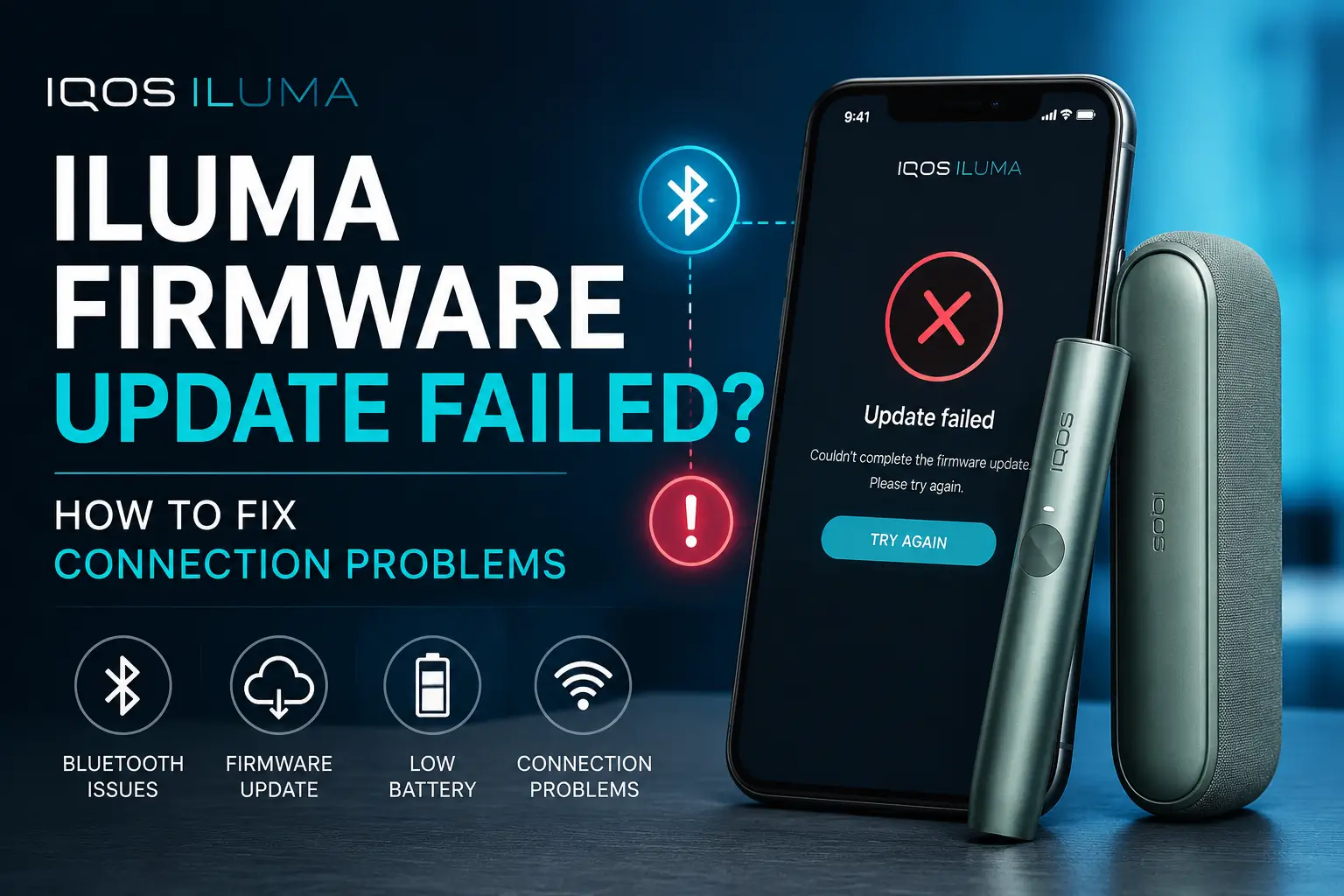
If your IQOS ILUMA firmware update failed or the device will not connect to the app, the cause is almost always something simple: a weak Bluetooth link, low battery, an outdated app version, or a temporary server issue. This guide walks through why these failures happen and gives you a clear, step by step way to fix them, whether you own the IQOS ILUMA, ILUMA ONE, ILUMA PRIME, or ILUMA i.
You will also find out when a firmware update actually changes how your device performs, what to do if Bluetooth still refuses to connect after basic fixes, and when the smarter move is to stop troubleshooting and get support instead.
What Causes an IQOS ILUMA Firmware Update to Fail?
A firmware update can fail for several reasons, and most of them are on the phone or connection side rather than the device itself.
| Cause | Quick Fix |
|---|---|
| Weak Bluetooth connection | Keep the device within one meter of your phone during the update |
| Outdated IQOS app | Update the app to the latest version before retrying |
| Low battery on holder or pocket charger | Charge both components fully before updating |
| Internet connection interruptions | Switch to a stable Wi-Fi network |
| Phone compatibility issues | Install pending phone software updates |
| Temporary server or app errors | Wait 15 to 20 minutes, then retry |
Weak Bluetooth connection
Firmware updates transfer data continuously between the app and the holder. If the holder is too far from the phone, or if there is interference from other Bluetooth devices, the transfer can drop midway and the update fails.
Outdated IQOS app
An older version of the app may not support the latest firmware package. This is one of the most common reasons an update gets stuck or errors out immediately.
Low battery on the holder or pocket charger
Firmware updates need a minimum charge level to run safely. If either the holder or the pocket charger is low on power, the system blocks the update to avoid an interruption partway through. If you notice the pocket charger struggling to hold charge at all rather than just failing during an update, that points to a separate issue worth checking against our guide on IQOS ILUMA charging problems.
Internet connection interruptions
Even though the update transfers over Bluetooth, the app still needs an active internet connection to download the firmware package first. A weak Wi-Fi or mobile data signal can cause the download to fail before the update even starts.
Phone compatibility issues
Very old phone models or outdated operating systems sometimes cannot handle the Bluetooth protocol version the update requires.
Temporary server or app errors
Occasionally the issue is not on your end at all. Server maintenance or a temporary glitch in the app backend can cause updates to fail for many users at once.
Common Signs of IQOS ILUMA Connection Problems
Connection problems usually show up in one of these ways:
- The device will not pair with the app at all
- The firmware update starts but gets stuck partway through
- The update fails and shows an error message
- Bluetooth connects and then disconnects repeatedly
- The app cannot detect the device nearby
- The app keeps searching without finding the holder
These signs point to a connectivity fault rather than a problem with your TEREA sticks or the heating chamber itself, since firmware and Bluetooth issues sit entirely on the software side of the device.
How to Fix IQOS ILUMA Firmware Update Failed Errors
Work through these steps in order. Most connection and firmware problems are resolved within the first four or five steps.
Charge both the holder and pocket charger
Place both components on charge for at least 15 to 20 minutes before trying again. A partial charge is one of the most common silent causes of a failed update.
Restart your smartphone
A simple restart clears temporary Bluetooth and app glitches that build up over time.
Turn Bluetooth off and on
Disable Bluetooth on your phone, wait about 10 seconds, then turn it back on. This forces a fresh connection handshake with the device.
Update the IQOS app
Check your app store for a pending update. Running the latest app version resolves most compatibility related failures.
Keep the device close during the update
Stay within one meter of your phone for the entire update process. Moving away, even briefly, can interrupt the transfer.
Use a stable Wi-Fi connection
Switch to Wi-Fi if you were on mobile data, or move closer to your router. A stable connection prevents the firmware package from downloading incompletely.
Remove and reconnect the device
In the app, remove the paired device, then pair it again from scratch. This clears any corrupted pairing data that could be blocking the update.
Retry the firmware update
Once the above steps are done, start the update again from the app. Many updates succeed on the second attempt.
Restart the IQOS ILUMA
Some ILUMA models allow a manual restart by holding the button for several seconds. Check your model’s instructions, then try the update again after restarting.
Install pending phone software updates
If your phone’s operating system is out of date, install any available updates. This keeps your Bluetooth stack compatible with the app.
How to Reconnect IQOS ILUMA to the App
If the device has lost connection entirely, follow this sequence to reconnect it cleanly.
- Remove existing pairing: Open the app settings and remove the ILUMA from your list of connected devices.
- Pair the device again: Put the holder in pairing mode as described in your device manual, then search for it again from the app.
- Verify successful connection: The app should show the device as connected, with battery level and status visible on the home screen.
- Check firmware status: Once reconnected, check whether a firmware update is available and pending, and run it while the connection is stable.
What to Do If Bluetooth Still Won’t Connect
If the basic steps do not work, the issue is often buried in your phone’s permission or battery settings rather than the device itself.
Android troubleshooting
Go to your phone’s app settings and confirm the IQOS app has full Bluetooth and location permissions enabled. Android requires location access for Bluetooth scanning to work correctly on many models.
iPhone troubleshooting
Check that Bluetooth permission for the IQOS app is set to allow under Settings. Also confirm the app has permission to find nearby devices, which iOS treats as a separate setting.
Bluetooth permissions
If permissions were denied at any point, the app cannot detect the holder even with Bluetooth turned on. Re-enabling them usually fixes silent connection failures.
Nearby device permissions
Some phones require a separate nearby devices permission in addition to Bluetooth. Without it, scanning for the ILUMA can fail entirely.
Battery optimization settings
Aggressive battery saving modes can stop the app from maintaining a background Bluetooth connection. Exempt the IQOS app from battery optimization if this setting is available on your phone.
How to Reset IQOS ILUMA After an Update Failure
When a reset is recommended
Consider a reset if the device repeatedly fails to update, disconnects immediately after pairing, or shows the same error across multiple attempts.
Safe reset steps
Fully charge the holder, disconnect it from the app, then follow the reset sequence listed in your device manual, usually a long press of the button while the holder is docked in the charger.
What happens after resetting
A reset clears temporary software faults but does not erase your device’s core settings. You will need to pair it with the app again afterward.
Can You Use IQOS ILUMA Without Updating the Firmware?
Yes, in most cases you can continue using your device on the current firmware version while you sort out the update.
What features still work
Core heating and usage functions work normally even without the latest firmware installed, whether you are on an original device like the IQOS ILUMA ONE Pebble Grey or a newer i-series model.
Possible limitations
Some newer features, refinements to heating consistency, or app integrations may not be available until the update completes.
Security and performance improvements
Firmware updates often include performance refinements and stability fixes, so it is still worth completing the update once the connection issue is resolved.
How Long Does an IQOS ILUMA Firmware Update Take?
| Factor | Typical Impact |
|---|---|
| Normal conditions | 5 to 10 minutes to complete |
| Weak Bluetooth signal | Update slows down or stalls |
| Low battery | Update may not start at all |
| Unstable internet connection | Firmware download takes longer or fails |
| No progress after 20 minutes | Cancel and restart the process |
Tips to Prevent Future Firmware and Connection Problems
- Keep the app updated to the latest version at all times
- Charge the holder and pocket charger fully before starting any update
- Maintain a stable Bluetooth connection by keeping the device close to your phone during updates
- Use a phone with an operating system that is still receiving updates
- Run firmware updates in a location with a stable Wi-Fi connection
Newer devices such as the IQOS ILUMA i Prime Midnight Black tend to hold a steadier Bluetooth connection thanks to updated hardware, which cuts down on these interruptions in the first place.
When Should You Contact IQOS Support?
Repeated update failures
If the firmware update fails after multiple attempts and every step in this guide has been tried, it is time to contact support directly.
Device won’t power on
A device that will not power on at all, even after charging, points to a hardware issue rather than a software one.
Hardware-related issues
Physical damage, water exposure, or a holder that overheats abnormally are hardware concerns that firmware troubleshooting cannot fix. If support confirms the holder itself is at fault, a compact option like the IQOS ILUMA i One Midnight Black is worth considering as a straightforward replacement.
Warranty considerations
If your device is still within its warranty period, get in touch with support before attempting any physical fix yourself, so you do not risk voiding coverage.
Frequently Asked Questions
Why did my IQOS ILUMA firmware update fail?
The most common causes are a weak Bluetooth connection, low battery on the holder or pocket charger, an outdated app, or an unstable internet connection during the download.
Why won’t my IQOS ILUMA connect to my phone?
This usually points to a Bluetooth permission issue, an outdated app, or a pairing conflict that needs to be cleared by removing and re-adding the device.
Can I cancel a firmware update?
Yes, most updates can be cancelled from the app if they appear stuck, though it is best to only cancel after 15 to 20 minutes with no progress.
Does updating firmware improve battery life?
Firmware updates can include efficiency improvements that help battery performance, though the effect varies by update and device model.
Can I use IQOS ILUMA while firmware is updating?
No, the device should not be used while an update is in progress, as this can interrupt the process and cause it to fail.
Will resetting IQOS ILUMA delete anything?
A standard reset clears temporary software issues and pairing data, but it does not erase permanent device settings.
Does firmware update improve device performance?
Yes, firmware updates typically include stability and performance refinements alongside any new features.
Is an internet connection required for firmware updates?
Yes, the app needs an active internet connection to download the firmware package before transferring it to the device over Bluetooth.
Final Thoughts
Most IQOS ILUMA firmware and connection problems come down to a handful of causes: low battery, a weak Bluetooth link, an outdated app, or an unstable internet connection. Working through the steps in this guide in order resolves the majority of cases without needing outside help.
Keeping both the IQOS app and your device firmware up to date consistently is the simplest way to avoid running into these issues again. If repeated failures point to a device that is genuinely reaching the end of its life rather than a software glitch, a current model like the IQOS ILUMA i Prime Remix Limited Edition is worth a look before you decide on a full replacement.
This product contains nicotine. Nicotine is an addictive chemical.